Square image maker
Fit the whole picture into a square image with a blurred or plain background, then save it. Your photo never leaves this browser.
Drop a photo here
or paste it. JPG, PNG, WebP. Several at once is fine.
Never uploaded: it all runs in your browser.
Freeno account, no watermark
Privatefiles stay on your device
3000 pxlargest preset export
Batchmany photos, one ZIP
This is what you get once a photo is in
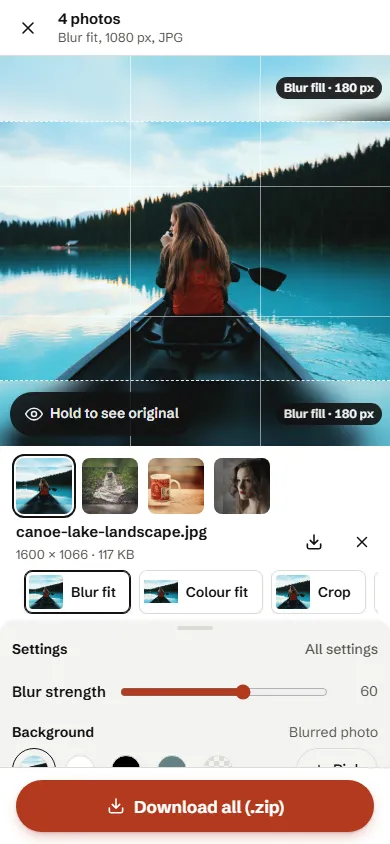
The drop box opens this editor over the page. Every setting redraws the square at once, and the file is made on your device when you press Download.
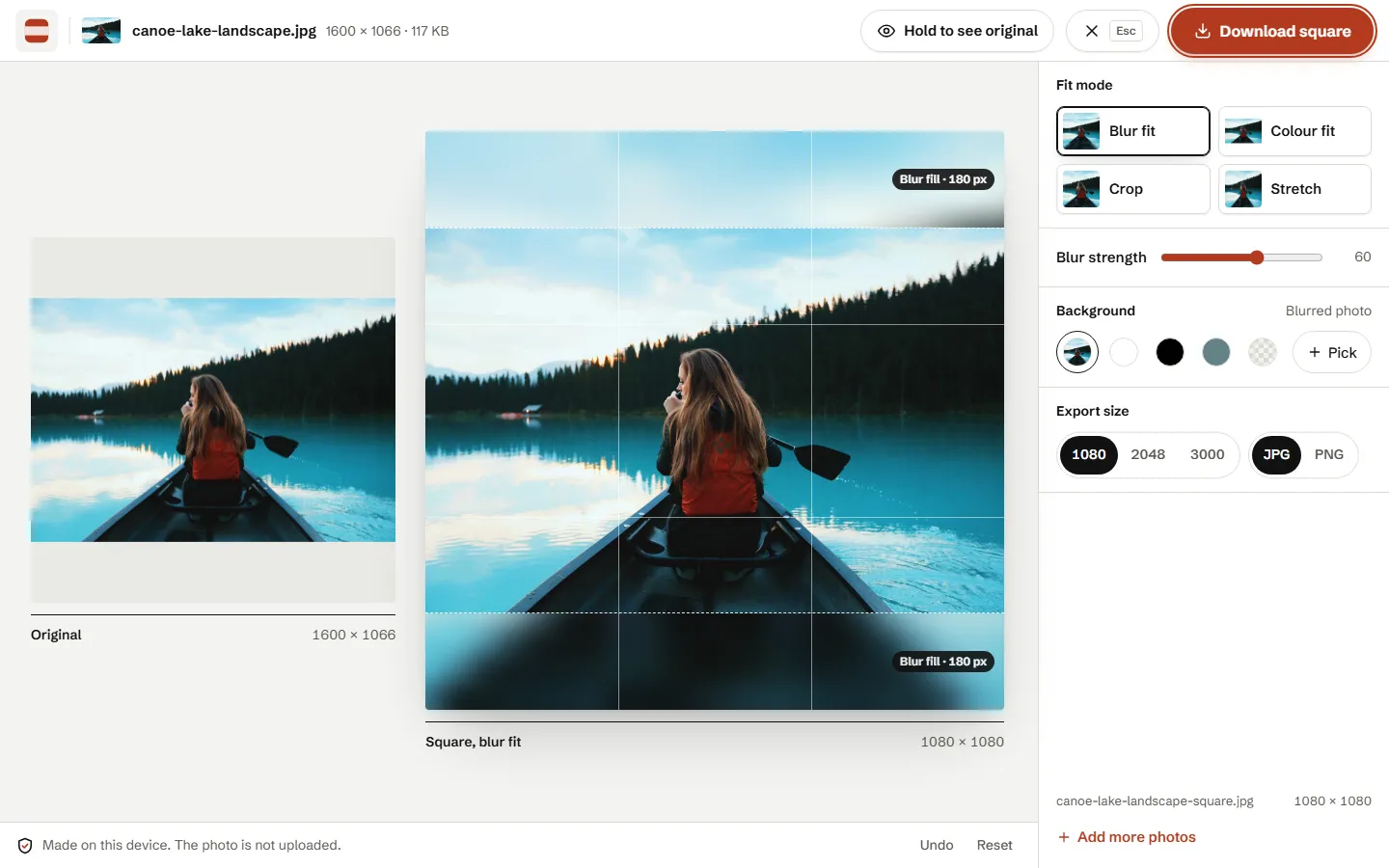
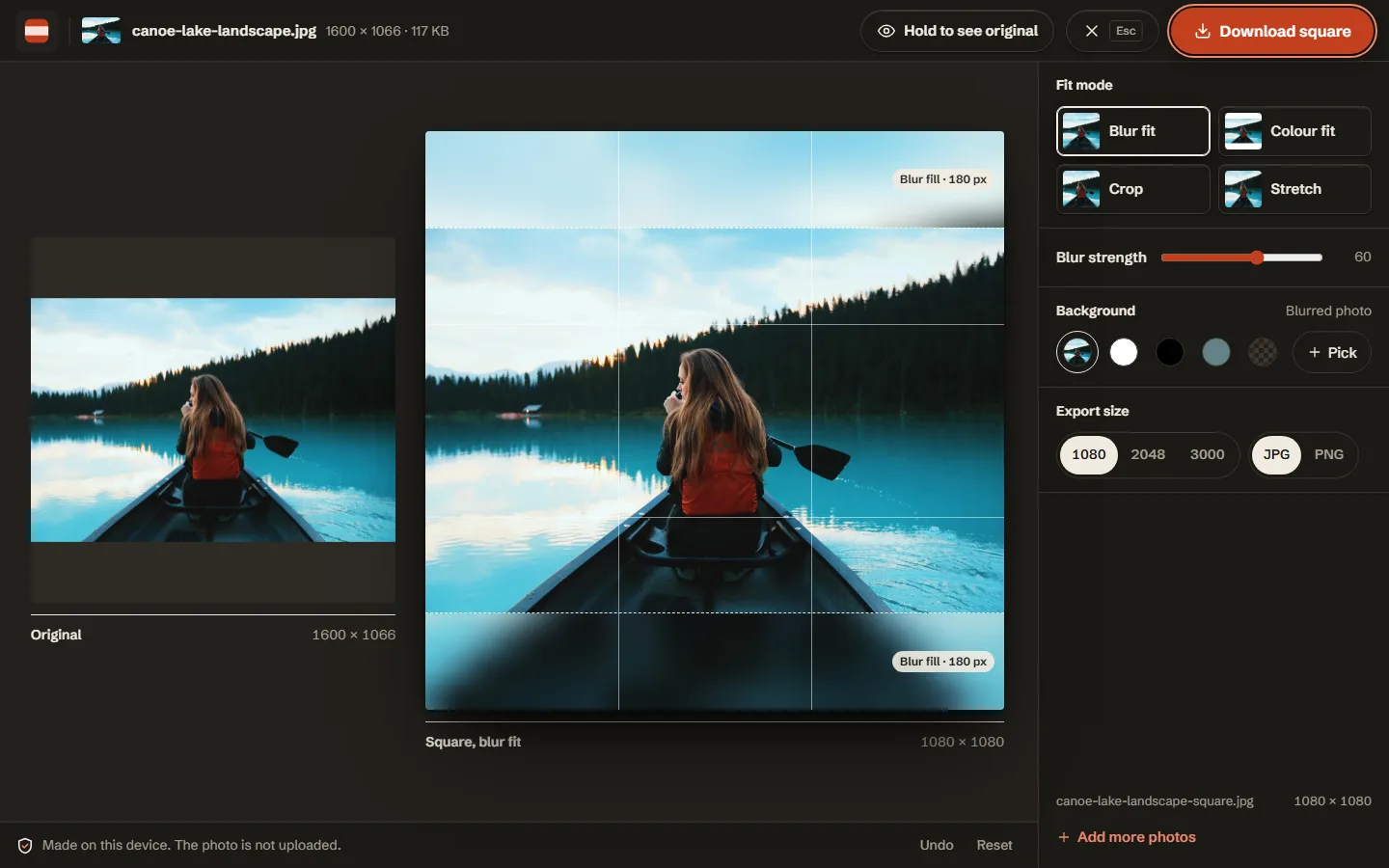
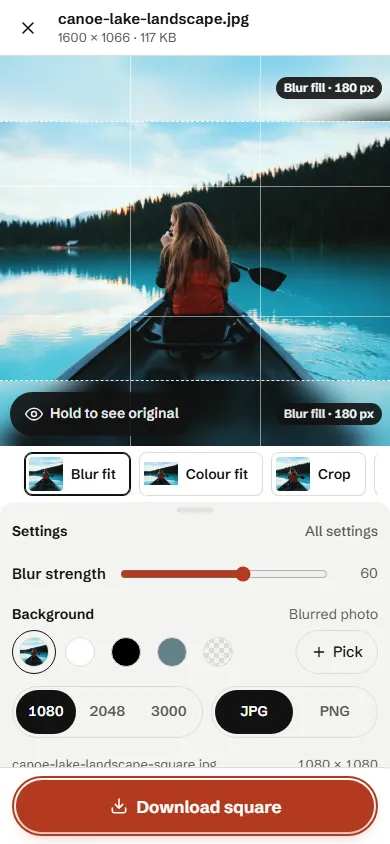
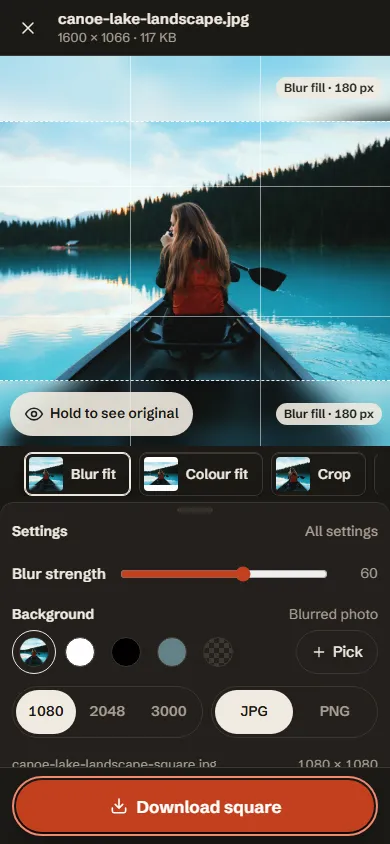
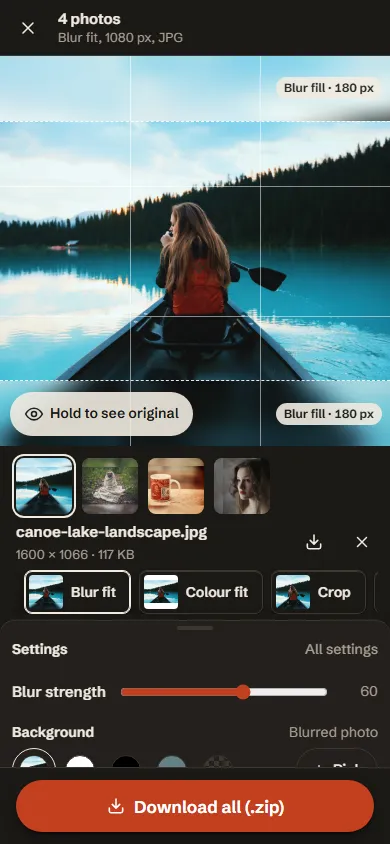
Real screenshotcanoe-lake-landscape.jpg, 1600 × 1066, blur fit at 1080 px. The dashed lines mark where the photo ends and the 180 px fill begins.
Several photos at once
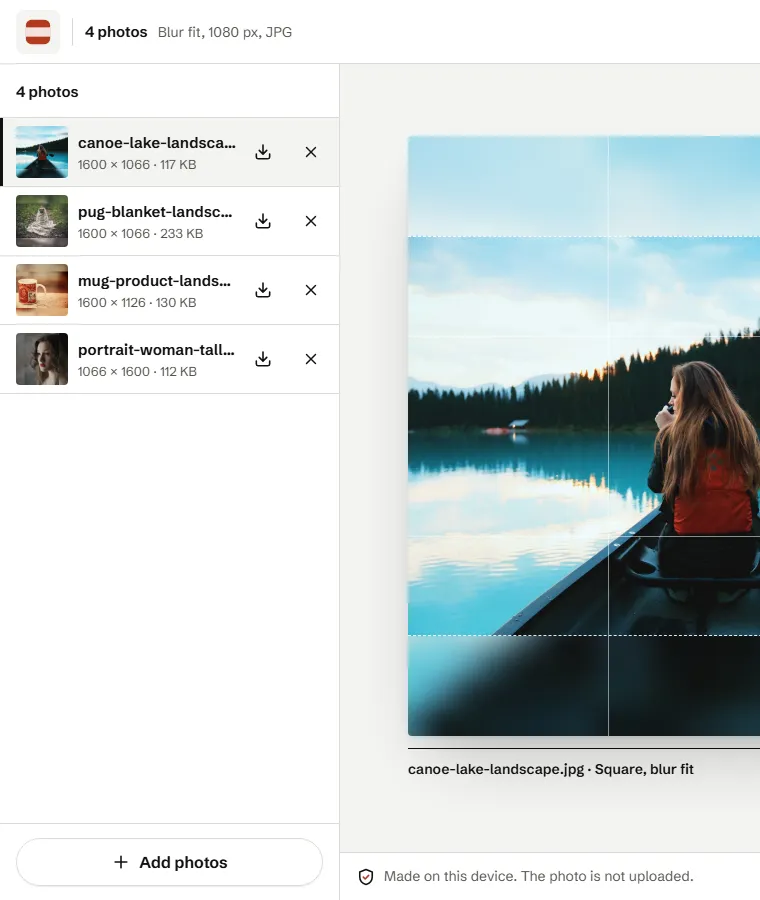
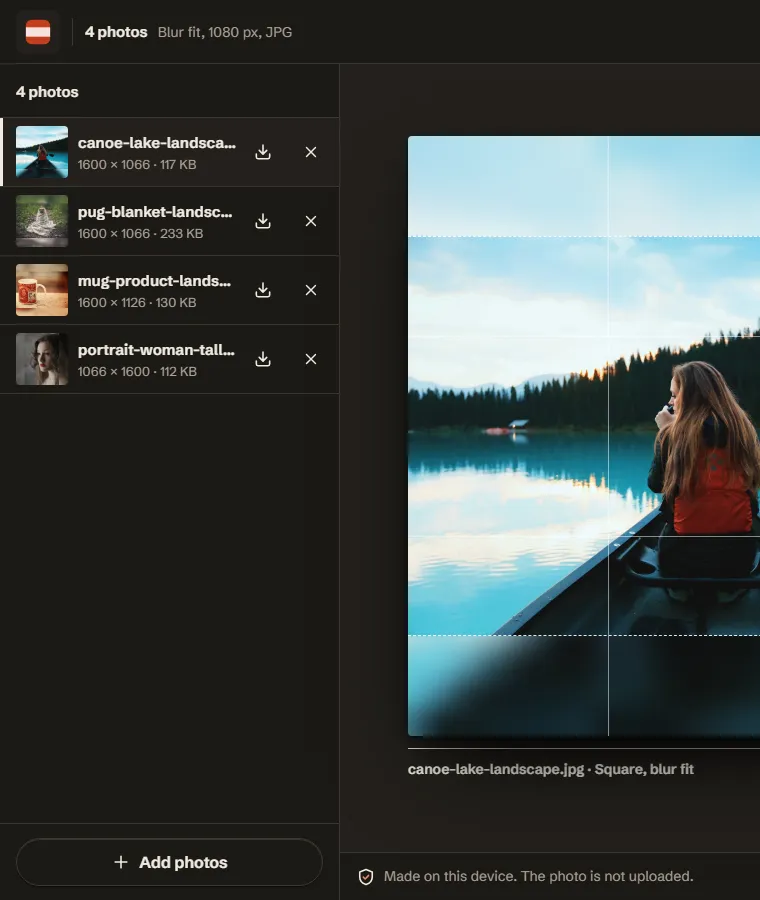
Drop a handful together. The same settings apply to all of them, and each one can still be saved or removed on its own.
Up to 30 photos in one ZIP. On a desktop, 30 photos of 12 megapixels opened in 2.5 s and zipped at 1080 px in 3.3 s.
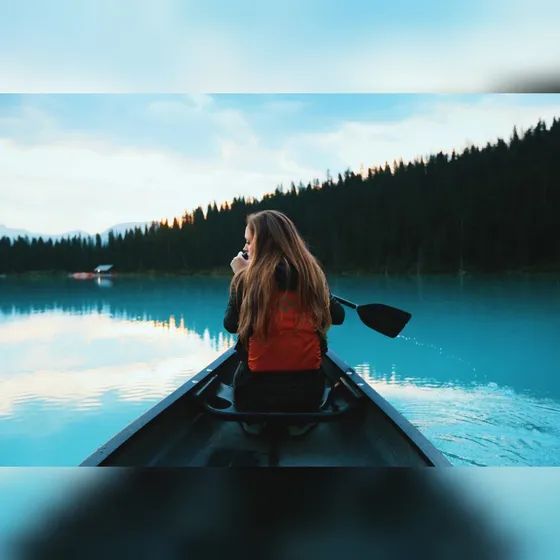
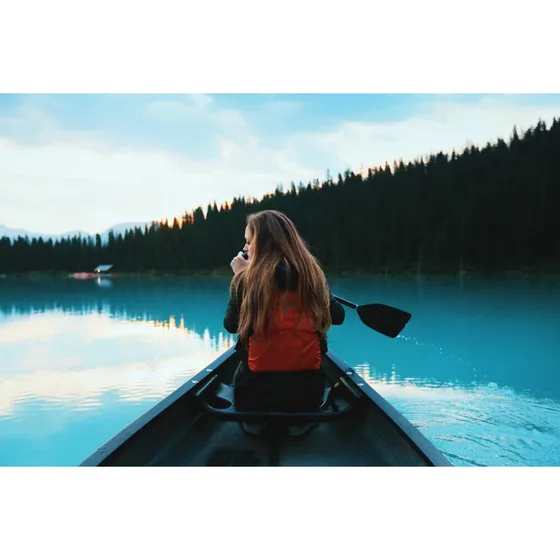
One photo, four ways to make it square
A square image has a 1:1 aspect ratio. Here one 1600 × 1066 lake photo is saved in each mode at 1080 px. Only the first two keep every pixel.
 Original, 1600 × 1066, 117 KB
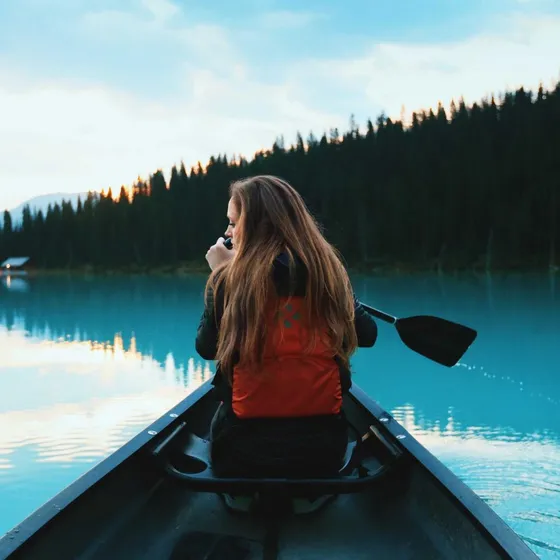
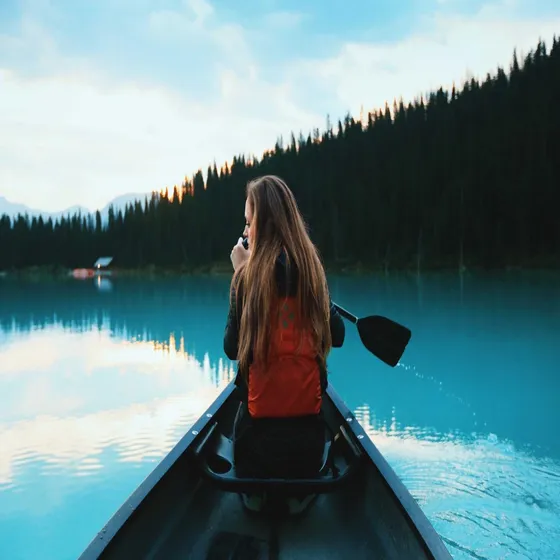
| Mode | Square | File | Photo pixels kept |
|---|---|---|---|
| Blur | 1080 × 1080 | 148 KB | All 1600 × 1066, with 180 px bands |
| Colour, white | 1080 × 1080 | 136 KB | All 1600 × 1066, with 180 px bands |
| Crop | 1080 × 1080 | 163 KB | 1066 × 1066 (67%) |
| Stretch | 1080 × 1080 | 171 KB | All, but 3:2 squeezed to 1:1 |
In CSS terms the modes are contain and cover: Blur and Colour fit are contain, Crop is cover. The bands above and below a wide photo are a letterbox.
For a softer edge, fill the sides with blur; for a print look, add an even white border.
You can learn to make a picture square on iPhone, or see how square posts look in the grid.
The blur is not a Gaussian blur: a 32 px copy of the photo, at default strength, is stretched over the square. The result is soft and draws quickly.
What people make square, and the settings that work
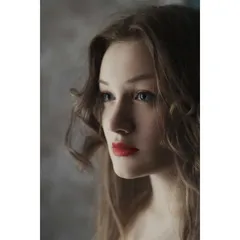
Post the whole photo on Instagram
Tall and wide shots get cut in a square post. Colour fit on white keeps the full frame. You can also post the full photo on Instagram at 4:5.
1080 × 1080Colour fit, white
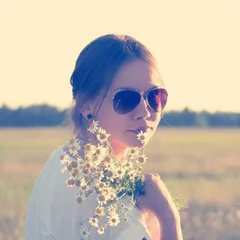
A square profile picture that survives the circle
Many apps show a profile picture as a circle, so the corners go. Drag the square onto the face before you save.
Cropcentred, 1080 px
Product listings at 3000 × 3000
Many shops show listing photos as squares, and 3000 px leaves room to zoom. Fit the product on white so nothing is cut.
3000 × 3000Colour fit, white, 624 KB
Three moves from photo to square
Drop or choose a photo
Or paste one. It opens straight in the page; nothing is sent anywhere.
Pick how to fill the square
Blur, a colour, crop or stretch. The preview changes as you click.
Choose a size and download
1080, 2048 or 3000 px or a size you type, as JPEG or PNG. Several photos come as one ZIP.
How it compares
Each site's square tool tried on the same three photos in November 2026. Upload behaviour was read from the browser's network panel.
| Feature | SquareFitImage | square-images.com | squareyourimage.com | duckytools.com |
|---|---|---|---|---|
| Blur background | Yes | Yes | Yes | No |
| Solid colour background | Yes | Yes | Yes | Yes |
| Square crop | Yes | Yes | Yes | No |
| Stretch | Yes | Yes | Yes | No |
| Stays in your browser | Yes | Yes | Yes | Yes, says so |
| Many photos at once | Yes, as one ZIP | No, one at a time | No, one at a time | No, one at a time |
| Choice of export size | 1080, 2048, 3000, or any from 100 to 3000 px | No, same as the photo | No, same as the photo | any, 32 to 8000 px |
| No watermark | Yes | Yes | Yes | Yes |
| Before and after examples | Yes | No | No | No |
| Languages | English | 7 | 3 | English |
Where they do better: square-images.com comes in 7 languages and squareyourimage.com in 3; we are English only. DuckyTools goes to 8000 px, we stop at 3000, and square-images.com offers WebP.
0 bytesof the photo sent
0POST or PUT requests
4 GETall of them the editor's own code, loaded on first use
- GET/_astro/editor.[hash].jsscript
- GET/_astro/open-problems.[hash].jsscript
- GET/_astro/rolldown-runtime.[hash].jsscript
- GET/_astro/limits.[hash].jsscript
Questions
Your photos are processed in your browser, never uploaded. The square is drawn on your own device with the HTML canvas, and the file is made there.
The network log on this page lists every request while a photo is made square: 4 scripts, no image and no POST.
Square fit means the whole photo fits inside a 1:1 square, the aspect ratio where width equals height. The empty bands are filled with blur or a colour.
Nothing is cut off, which is the difference from a square crop. In CSS terms, fitting is contain and cropping is cover.
To resize an image without cropping it, pick Blur or Colour fit. Every pixel of the photo stays in the square; only bands are added around it.
Bands above and below a wide photo are a letterbox, and bands beside a tall photo are a pillarbox.
To add white space and make a photo square, pick Colour fit, then the white swatch. The photo stays whole and white fills the rest of the square.
Black, a colour taken from the photo and any colour you pick work the same way.
To squish an image into a square, pick Stretch. It fills the square by changing the shape, so round things turn oval. It suits textures better than people.
You change the shape of an image to a square with any of the four modes: fit it on blur or a colour, crop it, or stretch it.
Yes, making an image square reduces its quality a little: the photo is resized to the square and, as JPEG, compressed again. Fit modes still keep every part of it.
The largest square is 3000 px, so a 4000 px phone photo is scaled down. That image resampling drops fine detail; enlarging adds pixels but no new detail.
To resize an image without losing quality, save it as PNG at the largest size you need. PNG adds no compression loss, so only the resize itself changes pixels.
JPEG files are smaller. This tool saves JPEG at quality 92, where the loss is hard to see on photos. Sizes stop at 3000 px.
Yes, you can make a PNG square with a transparent background. Pick Colour fit, then Transparent, and the file is saved as PNG, because JPEG has no alpha channel.
Yes, you can make many images square at once: up to 30 photos, saved as one ZIP. The same settings apply to all of them.
Each photo can still be saved or removed on its own from the list.
The tool opens photos up to 100 megapixels. A larger file is refused from its header, before it is decoded, with a message that names it.
That limit was tested on a desktop computer. Phones have less memory, and the phone test is still to come.
To make a picture square on a phone or a computer, open this page and choose the photo. It runs in the browser, so there is nothing to install.
Phone photos stored sideways are turned upright from their Exif orientation before the square is drawn.
It is built for current browsers on Android, iPhone, Windows and Mac, but so far it is tested in Chrome on Windows only.
Tests on a real Android phone and iPhone are next, and this answer will say when they are done.
The best free square image maker depends on what you need. In our test, SquareFitImage was the only one with batch and a choice of size presets.
DuckyTools goes up to 8000 px where we stop at 3000, and square-images.com is translated into 7 languages. The comparison table on this page shows every result.